


The problem
What this feature addresses
When requests, approvals and HR questions travel by email and chat, they are easy to lose and hard to follow up.
Main capabilities
What it does
-
My Tasks
Everything assigned to you.
-
Team Tasks
Tasks across your team.
-
Approval Inbox
Pending approvals for leave, corrections, overtime and more in one place.
-
Submit a Request
Raise a request from the application.
-
HR Helpdesk
Ask HR a question.
-
Helpdesk Queue
Open helpdesk queries for HR to work through.
-
Expense Approvals
Review expense claims that need approval.
-
Workflow Settings
Set up how approvals are routed.
Workflow
How it flows
-
Submit a request
-
It is routed by your workflow
-
Approve from the Approval Inbox
-
Follow the outcome
Benefits
Who it helps
-
Managers
Team Tasks and the Approval Inbox in one place.
-
HR teams
A Helpdesk Queue for employee questions.
-
Employees
My Tasks, plus Submit a Request and HR Helpdesk when they need help.
-
Finance and payroll teams
Consistent approvals & helpdesk information to plan and reconcile with.
-
Leadership
The approvals & helpdesk picture they need for planning and decisions.
-
Growing companies
A structured way to handle approvals & helpdesk as the team expands.
FAQ
Approvals & Helpdesk common questions
Can employees ask HR questions in the application?
Yes. HR Helpdesk is where employees ask, and HR works through them in the Helpdesk Queue.
Can we change how approvals are routed?
Yes. Workflow Settings controls the routing.
Which approvals can I see?
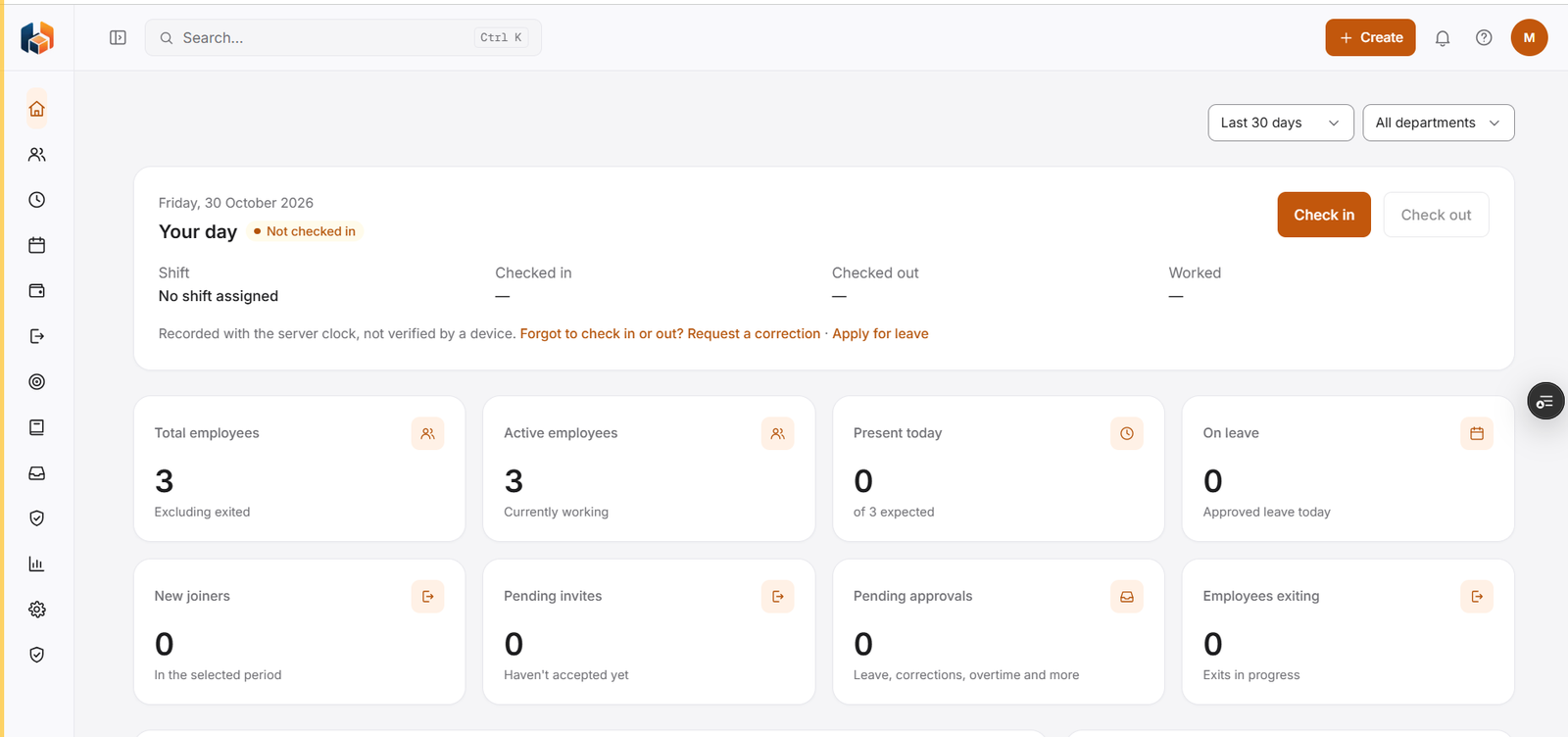
The dashboard shows a Pending approvals count that includes leave, corrections, overtime and more. Expense claims are reviewed under Expense Approvals.
Where do I find the tasks assigned to me?
In My Tasks. Managers can also see Team Tasks.
Get started
See HRBoxs in action.
Book a free demo and we will show you how HRBoxs fits your team.
- Personalised walkthrough
- See key features
- Get your questions answered